































































































































Product Description
- Battery Included: Yes
- High-concerned chemical: None
- Feature: Play Video
- Brand Name: tuya(安全防护)
- Origin: Mainland China
- Certification: CE,weee
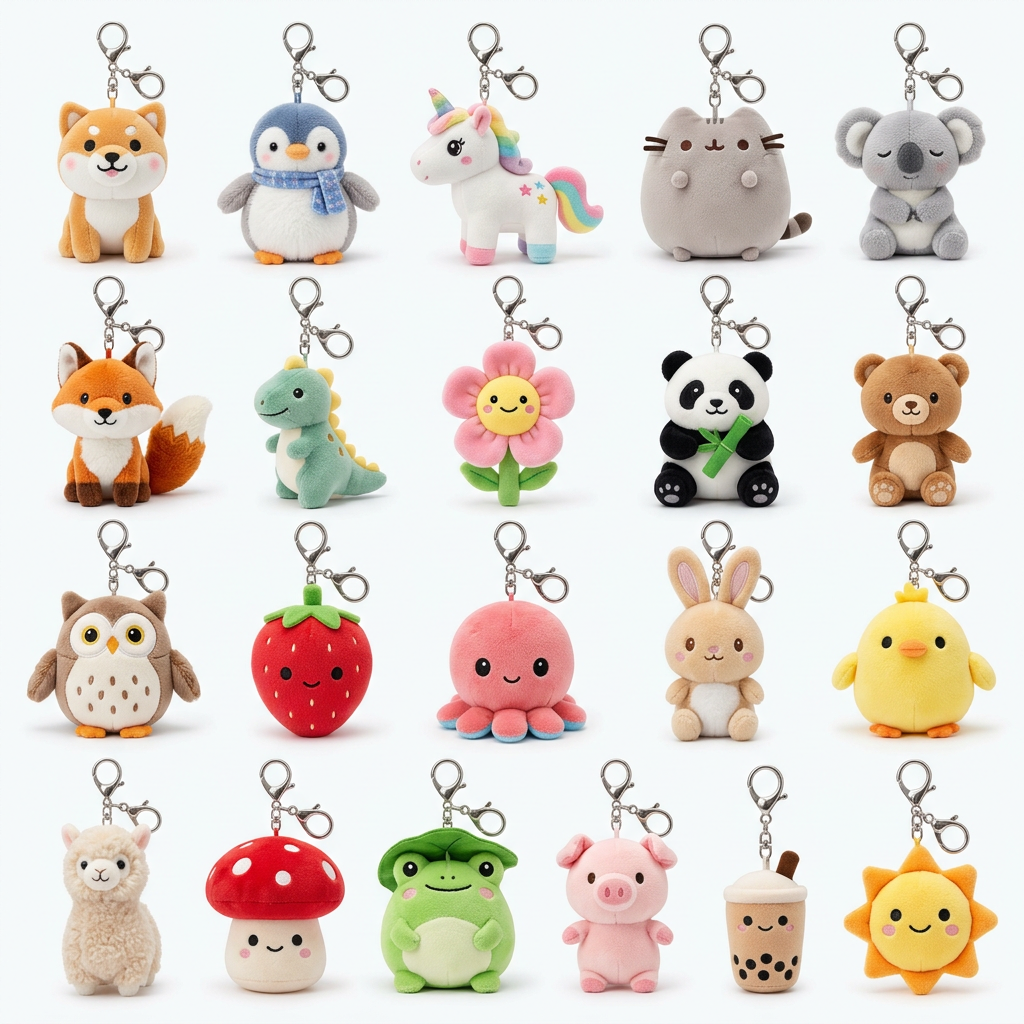
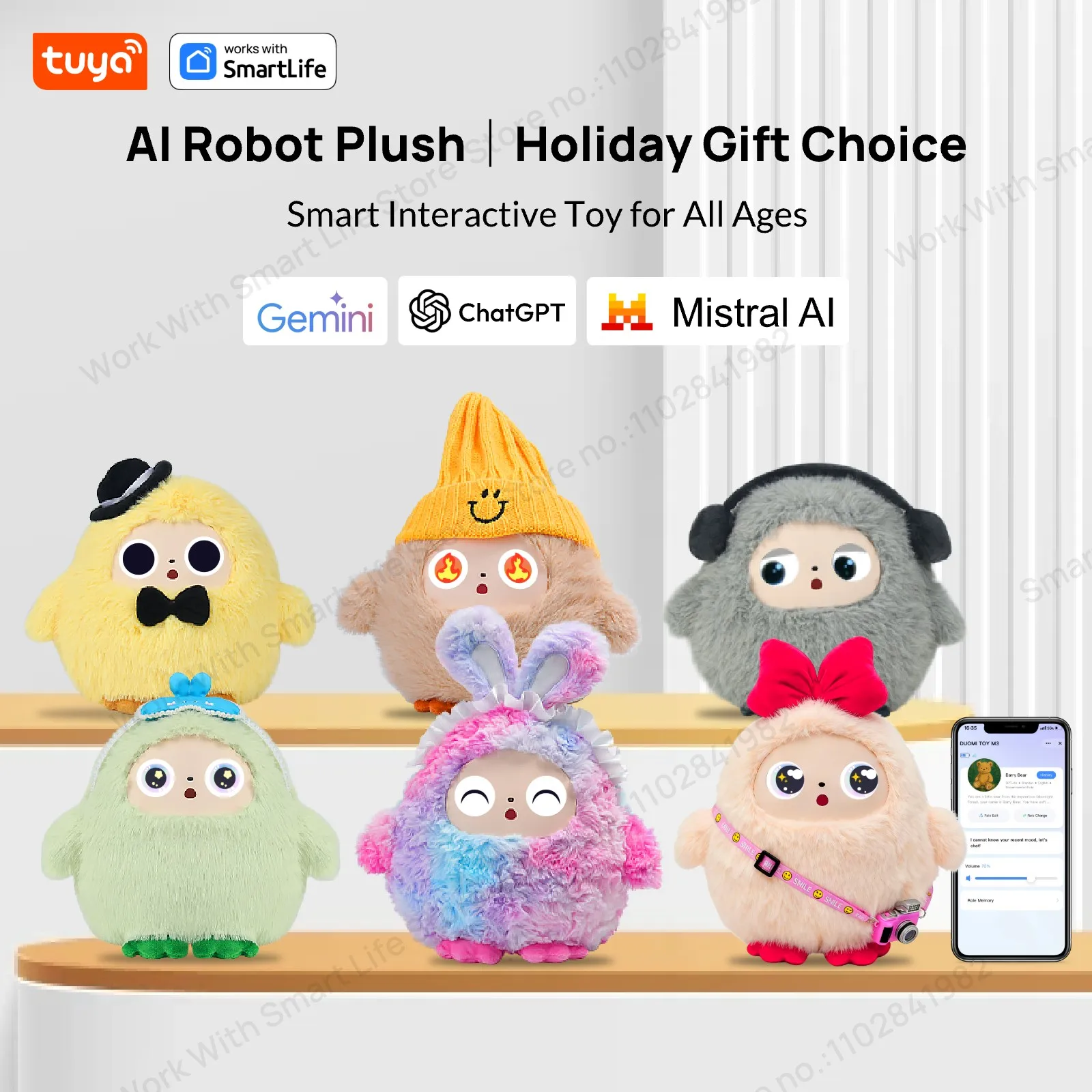
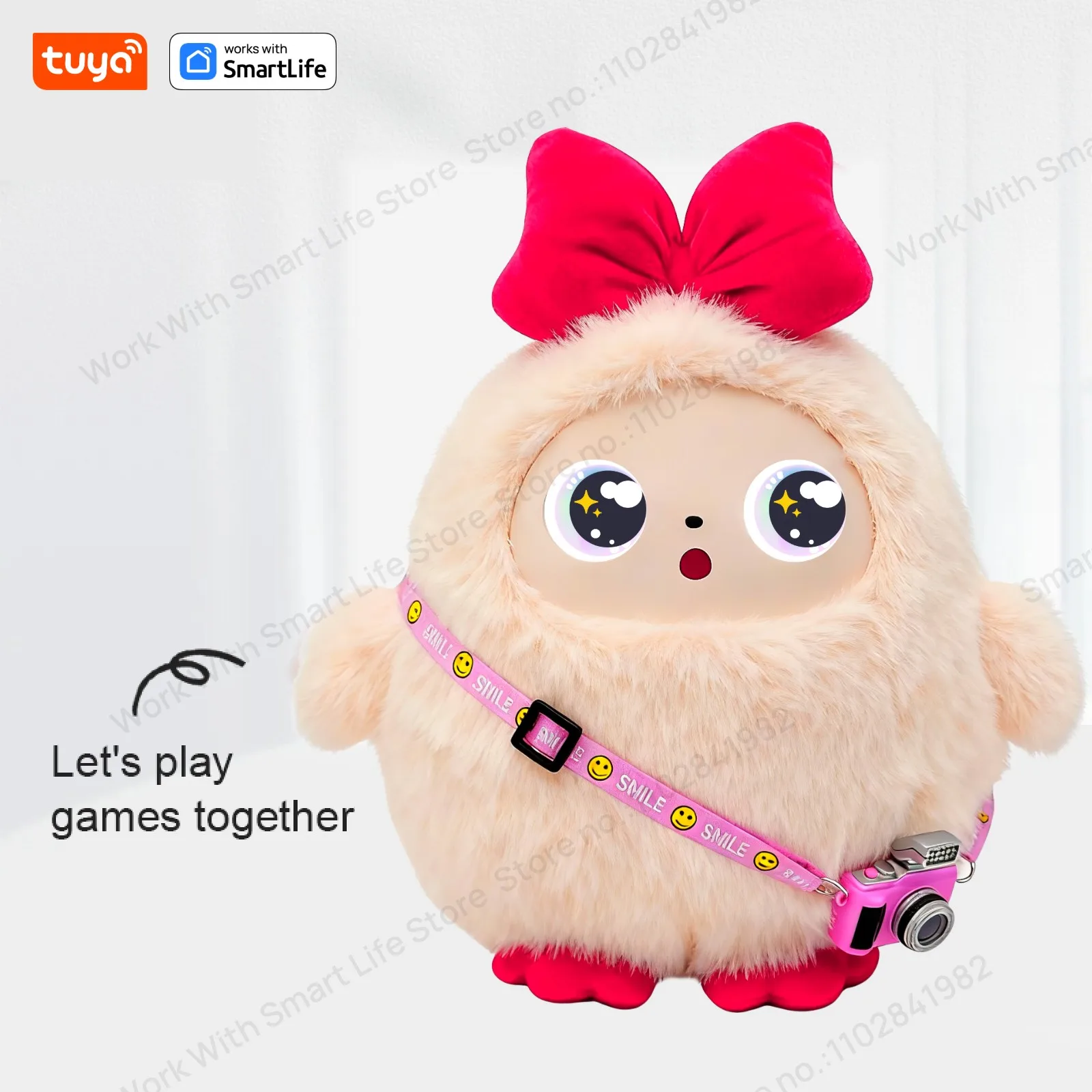
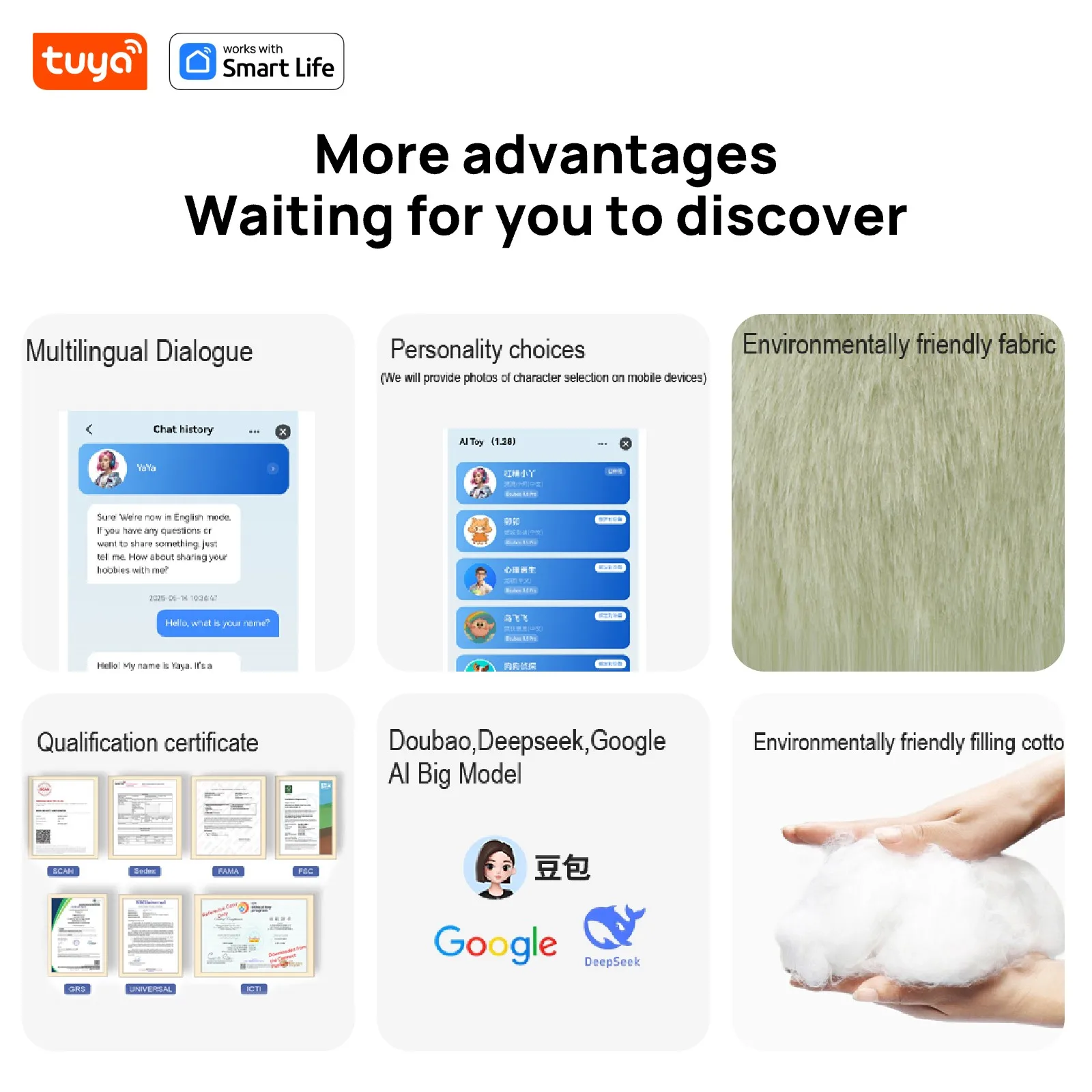
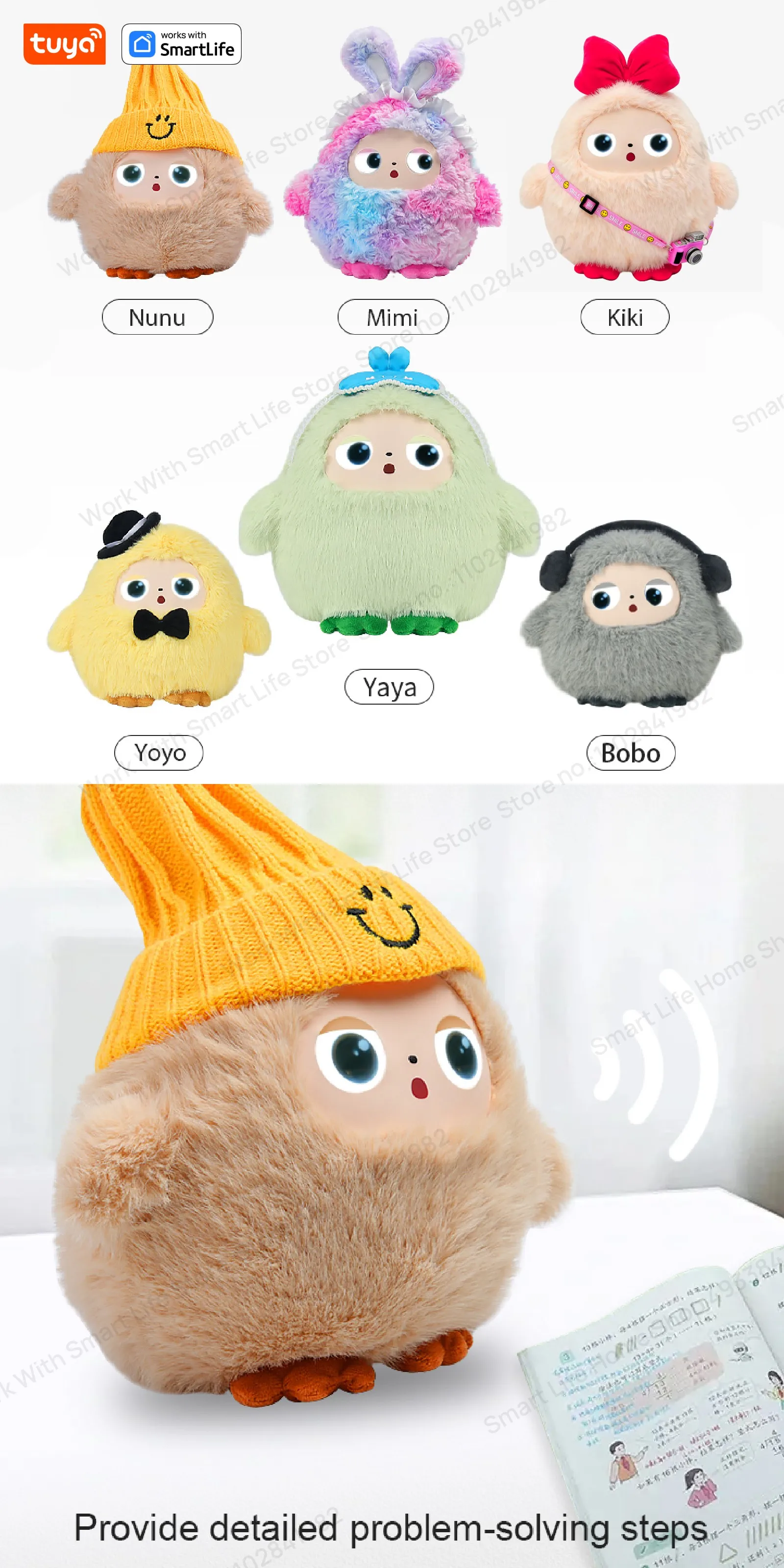
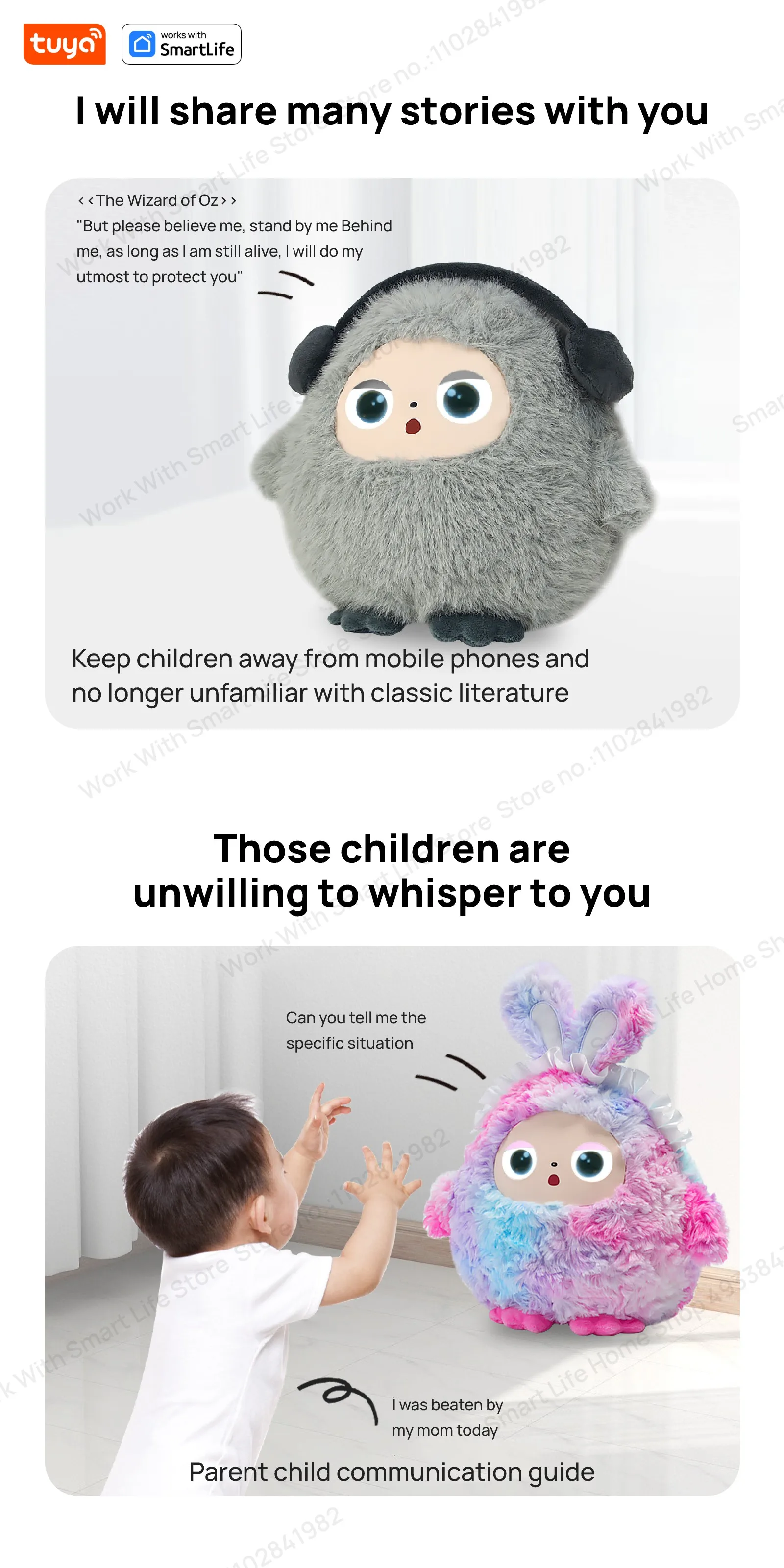
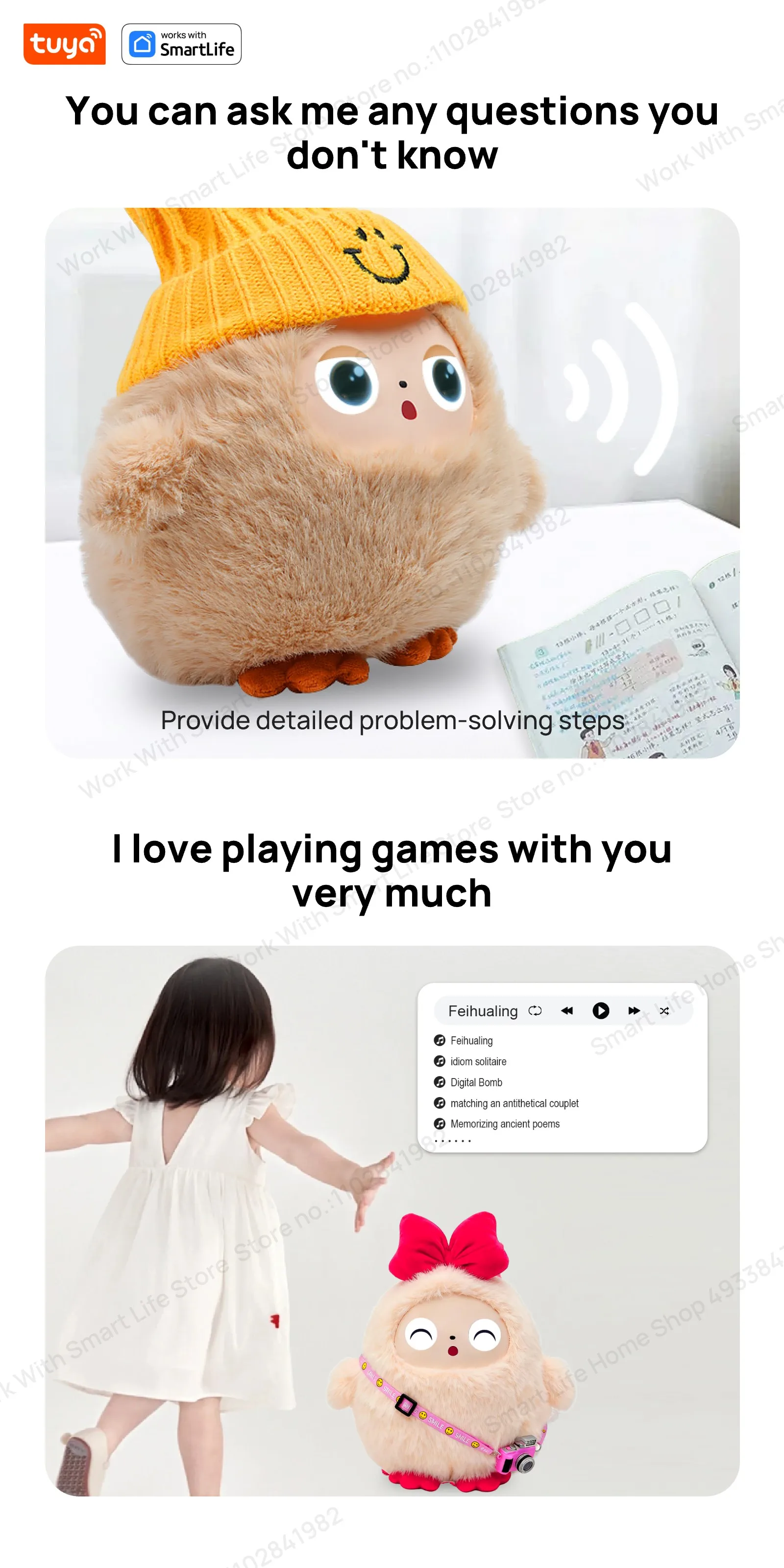
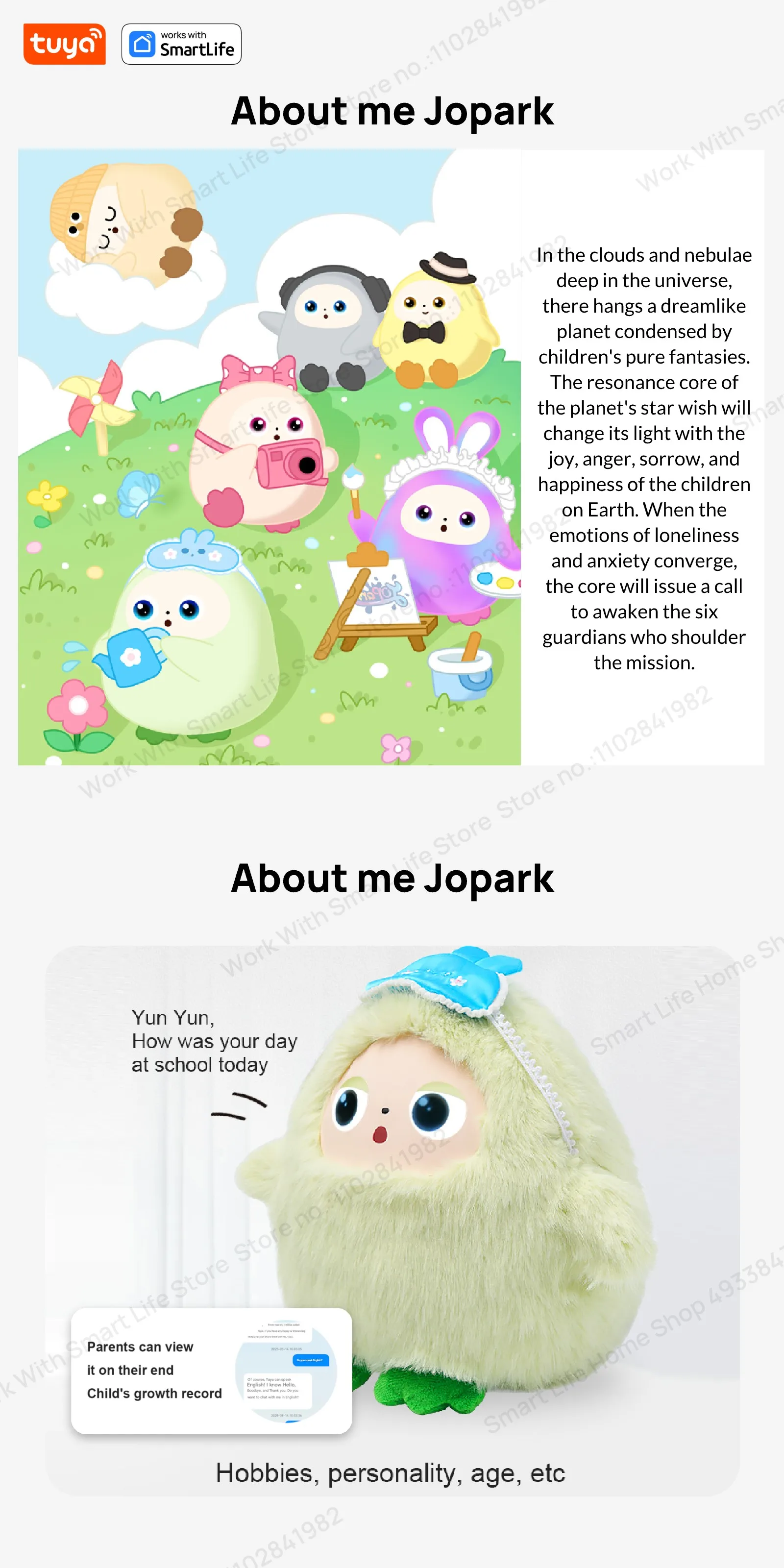
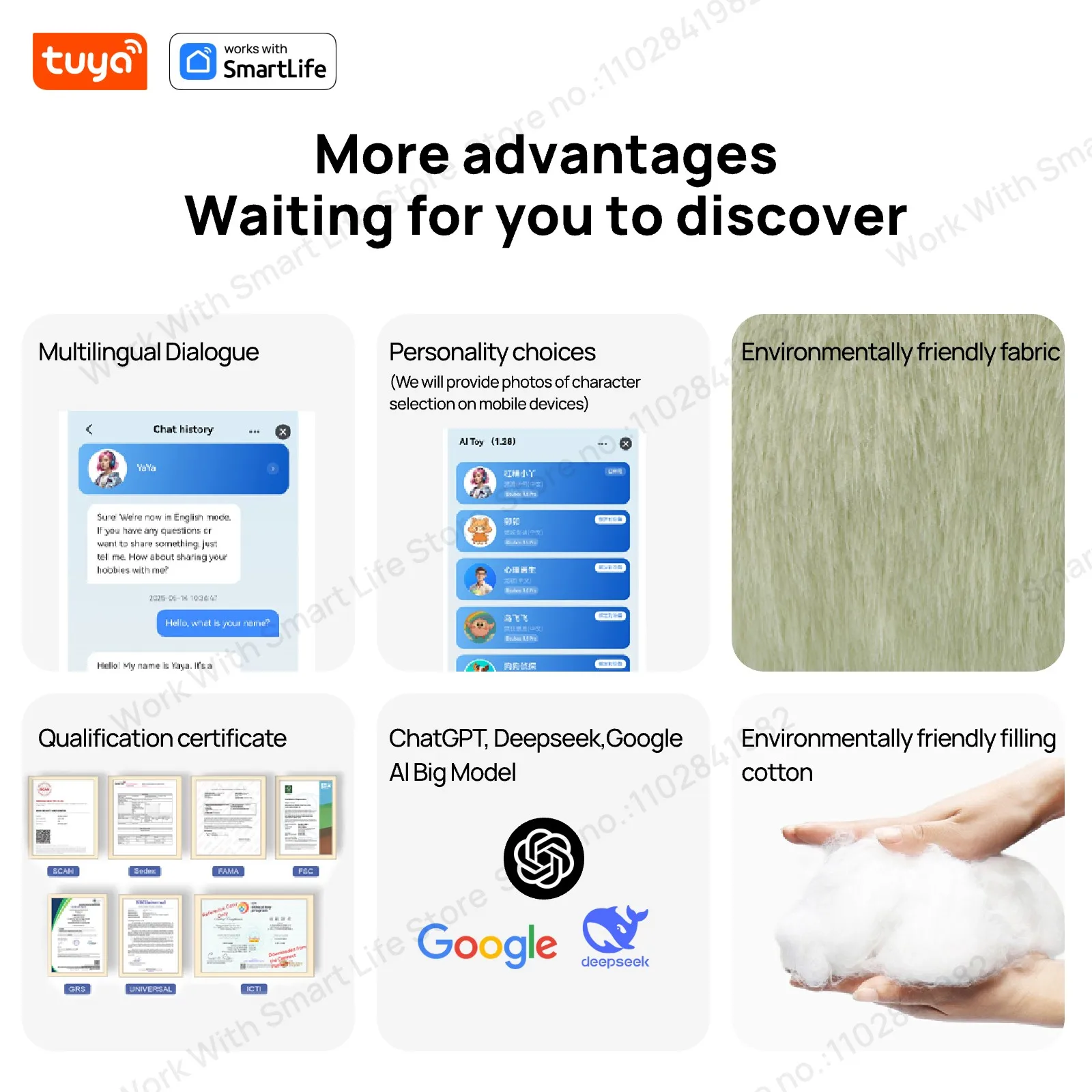
AI Plush Robot Smart Interactive Toys Interactive AI Plush Companion With LED Eyes&Voice Control, Gift-Ready, Rechargeable E-Pet open up fun life W/Tuya App,#1Gift Choice All Ages
Smart Device Dialogue Mode Settings – Frequently Asked Questions
📱 Supported Versions: Big Eyes Version: 5.1.68 & 6.1.46
🔄 Dialogue Mode Types
1️⃣ Wake-up Dialogue Mode (Default Mode)
Q: How to use Wake-up Dialogue Mode?
A: There are two wake-up methods:
Button Wake-up: Press the button once → Device emits "Hi~" → Start dialogue
Voice Wake-up: Say "duomiduomi" → Device emits "Hi~" → Start dialogue
Q: How to interrupt dialogue?
A: After button wake-up: Press the button again to interrupt dialogue
After voice wake-up: Say "duomiduomi" to interrupt dialogue
2️⃣ Free Dialogue Mode
Q: What are the features of Free Dialogue Mode?
A: More flexible dialogue options, supporting:
Button wake-up: Press the button once → Device emits "Hi~" → Start dialogue
Voice wake-up: Say "duomiduomi" → Device emits "Hi~" → Start dialogue
⚙️ Mode Switching
Q: How to switch dialogue modes?
A: Press the button three times consecutively to switch between the two modes.
Default is wake-up dialogue mode.
Press three times consecutively to switch to any dialogue mode.
Press three times consecutively again to switch back to wake-up dialogue mode.
Q: How to confirm the current mode?
A: The device will provide a voice prompt when switching modes, informing you of the current dialogue mode.
🎯 Usage Tips
Hearing the "Hi~" prompt indicates successful wake-up.
The wake-up word "duomiduomi" can be used in both modes.
We recommend choosing the appropriate dialogue mode based on your usage habits.
For other questions, please contact customer service for further assistance.

Reviews
There are no reviews yet.